
The best way to get a record of payments to ShipSaver is by accessing your PayPal account, and find all transactions under "billing@shipsaver.com". This way you will see the total spent on ShipSaver for the year.
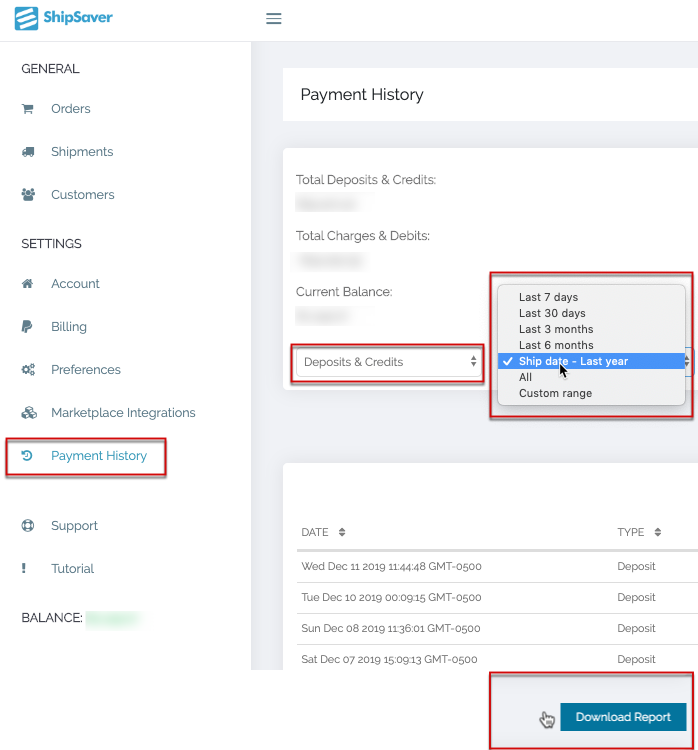
Another option is to access the Payment History page on ShipSaver.com (https://app.shipsaver.com/app/paymenthistory). From this page you can filter a date period or the entire year of deposits.
Most ShipSaver customers contacting us about taxes, download a copy the year's Payment History as a .csv file and open it as an excel spreadsheet. Using the downloaded report gives you the total and context for charges and debits.
If you use PayPal, accessing you payments to ShipSaver is the best way to generate a payments report.