Yes! You can manually add an order from other marketplaces to purchase labels and insurance for your shipments.
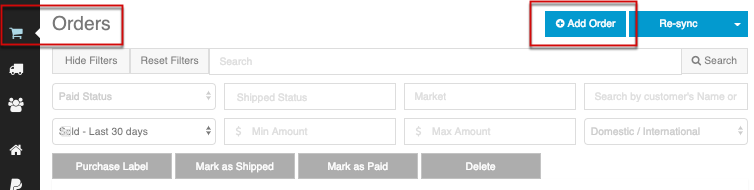
From the Orders page, select Add Order.
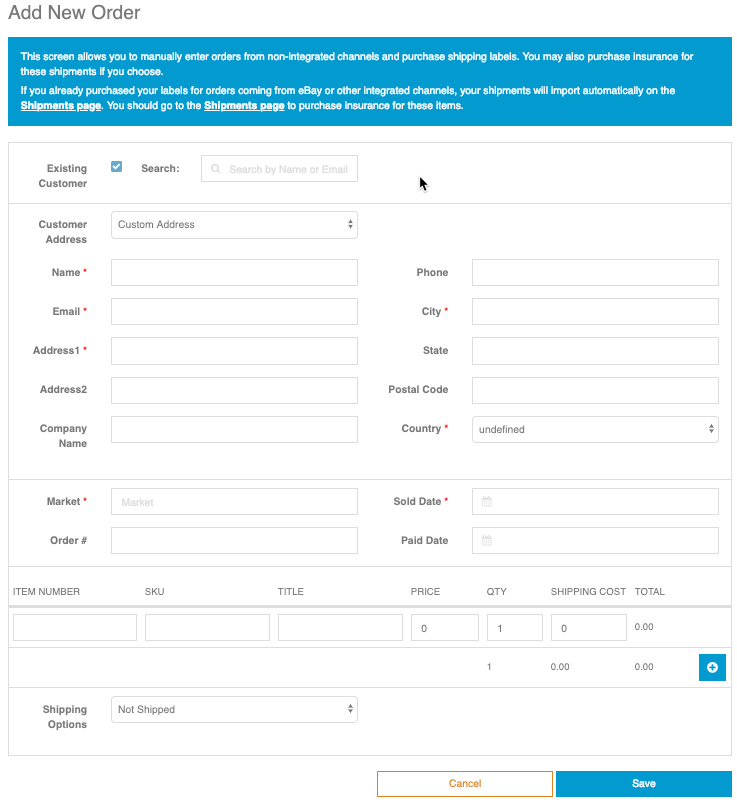
You will notice a set of instructions on how to enter an order manually for non-integrated channels or marketplaces.
This is the process you can use to send a gift, or shipment to someone who purchased an item from you outside the already linked marketplaces on your account.
Marketplace field: (Enter "None" or the name of the marketplace where you sold the item. This label will show in the Channel column, on your Orders page).
As you complete the order details, without leaving the page, you can also start the label workflow.
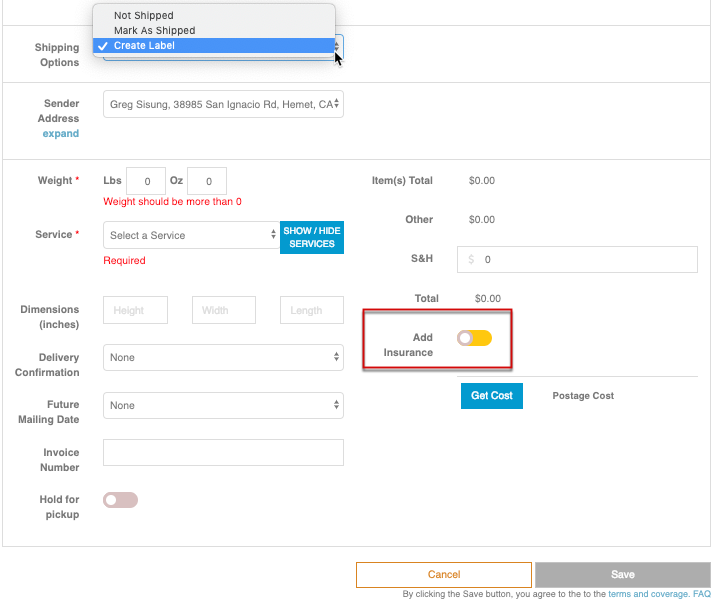
From Shipping Options, select "Create Label." This way you can complete the shipping workflow more quickly than if you enter the order, save it and go back to purchase a label for the order.
Note you can also add insurance for the shipment from here. Just click on the slider to Add insurance.