To start using ShipSaver, you must first deposit funds into your account. Then, when you purchase labels or insurance from ShipSaver, we will deduct the cost of your purchase from your account balance.
Adding a payment method (PayPal or Credit Card)
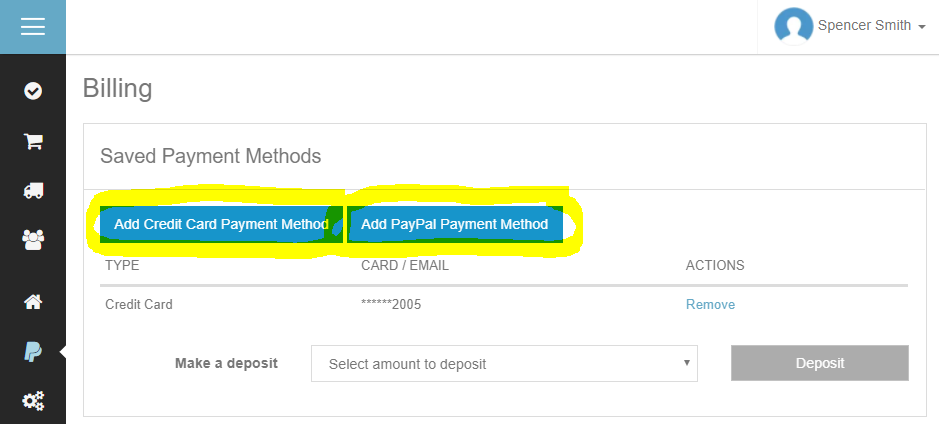
- Go to the Billing page.
- Click to add your credit card or PayPal. We will save your payment method securely so you can easily make deposits at any time without having to re-enter your information.
Make a one-time deposit
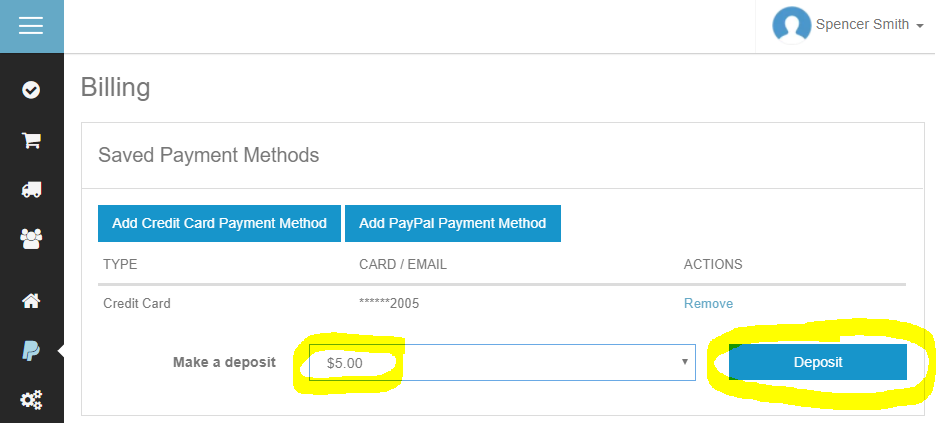
- Go to the Billing page.
- Enter the amount you want to deposit.
- Click the Deposit button.
Set up Auto Deposit
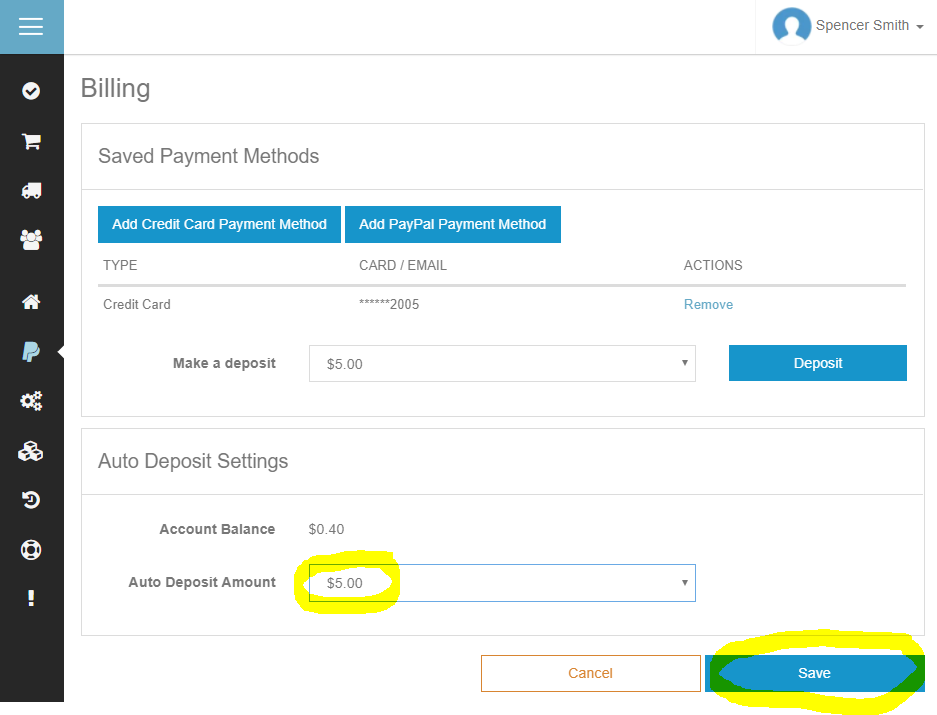
- Go to the Billing page.
- Enter the Auto Deposit Amount. This is the amount we will automatically deposit into your ShipSaver account whenever your balance falls below $0.00.
- Click the Save button.